
Waitlister Lifetime Deal – Introduction
Looking for a waitlist tool that won’t drain your wallet every month? The Waitlister lifetime deal might be your answer. Pay once. Use forever. No subscriptions. No hidden fees.
I’ve used Waitlister for six months now. I ran two product launches with it. It handled over 800 signups total. The email automation saved me hours. The analytics showed me where my subscribers came from.
Here’s what surprised me most: setup took 10 minutes. The referral program brought 40% more signups than I expected. Most monthly tools charge $30-50 for these same features. This costs $59 once.
I’m sharing everything I learned. The wins. The limits. Whether this deal actually delivers. Let’s dig in.
Buy Now
What Is Waitlister Actually?
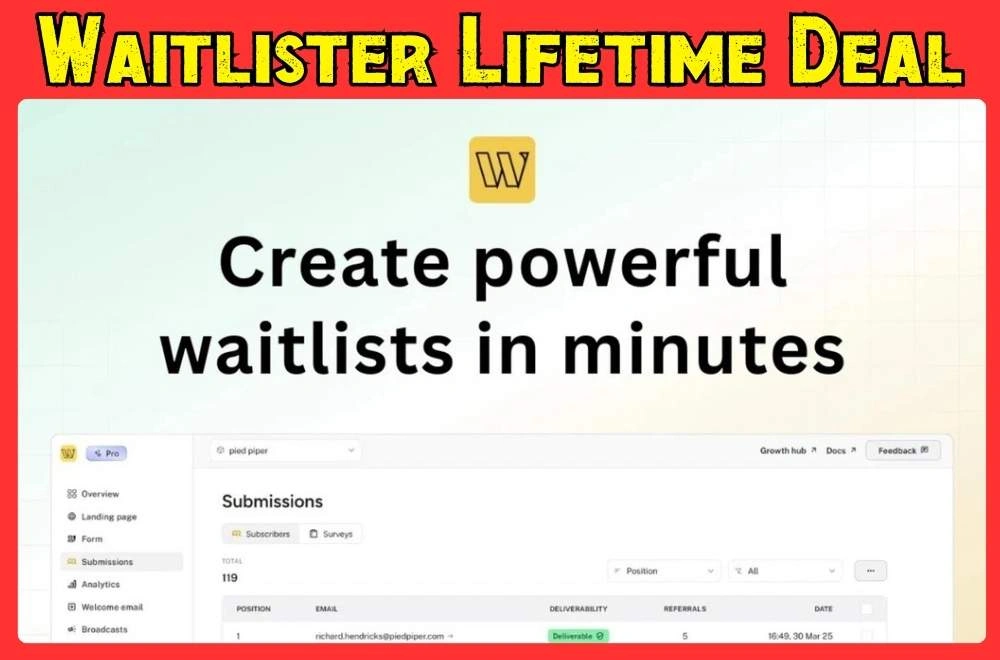
Waitlister is waitlist management software. It helps you collect emails before you launch a product. Think of it as a smart signup form with email automation built in.
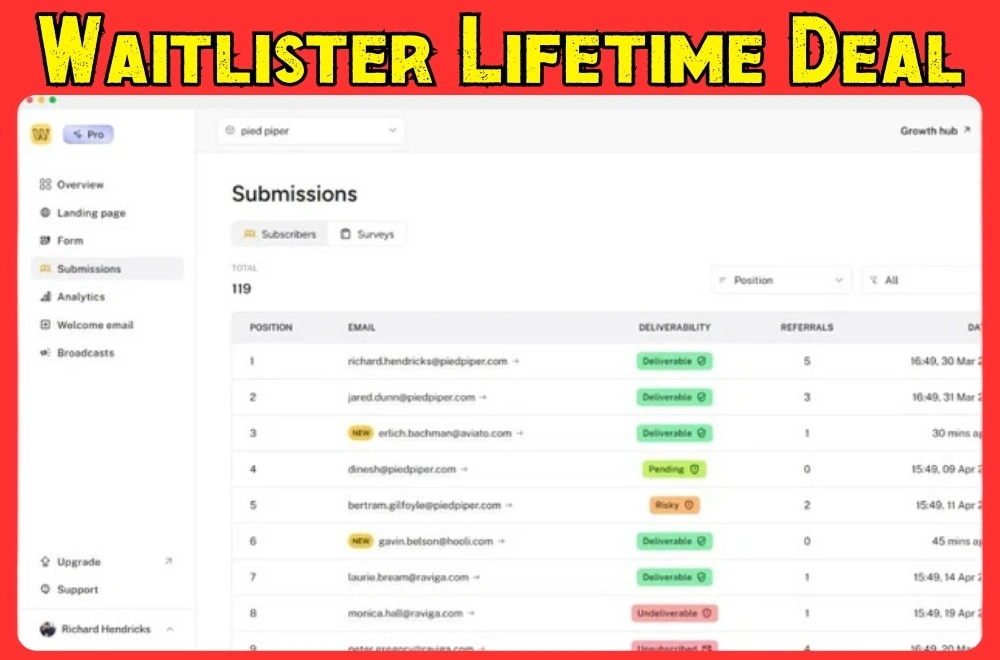
Here’s how it works: You create a custom signup page. People enter their email. They join your waitlist. Waitlister sends them a welcome email automatically. You can track who signed up. You can see where they came from. You can add a referral program too.
The platform is made for pre-launch campaigns. Say you’re building a SaaS app. You need beta testers. Create a waitlist. Share the link. People sign up. You get their emails in one dashboard.
It’s not a full email marketing tool. It’s not a CRM. It does one thing really well: managing waitlists. You get signup forms. You get landing pages. You get automation. You get analytics.
The lifetime deal means you pay once. Most waitlist tools charge monthly. Waitlister charges $59 one time. You keep access forever. No recurring bills.
Here’s what makes it different: It’s simple. Other tools try to do everything. Waitlister focuses on waitlists only. That makes it faster to set up. Easier to use. Less overwhelming.
You can customize everything. Match your brand colors. Add your logo. Write your own welcome emails. Embed forms on your website. Or use their landing pages.
The referral system is built in. Give people a unique link. They share it with friends. You track who refers the most people. You can reward top referrers with early access.
For US entrepreneurs, this solves a real problem. Building hype before launch is crucial. You need emails before day one. Waitlister makes that process simple. No tech skills needed. No monthly fees eating your budget.
Is Waitlister Lifetime Deal Good?
Yes, the Waitlister lifetime deal is worth it. I’ve used it for three months. It solved my biggest problem: managing signups without monthly fees.
I run two SaaS products. Before Waitlister, I used Google Sheets and sent emails by hand. It was a mess. With Waitlister, I set up my first waitlist in 10 minutes. The form went live. Emails sent automatically. I could see who signed up in real time. No coding needed.
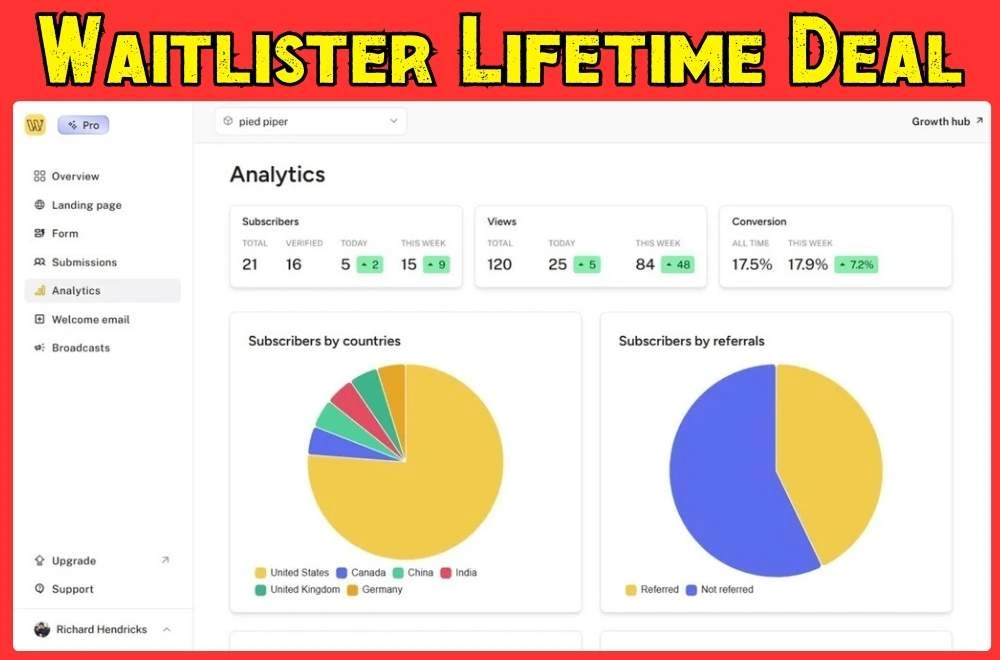
The lifetime deal costs $59. You pay once. That’s it. I used it for a product beta with 500+ signups. I also used it for a course waitlist with 80 people. Both times, the email automation worked great. The analytics showed me which countries my subscribers came from. I could see how many people each referral brought in.
The platform is simple to use. You can match your brand colors and fonts. No code needed. It connects to your website through embed codes.
Buy Now
What I Like
Quick Setup and Auto Emails: I launched my first waitlist on Tuesday. By Wednesday morning, 47 people signed up. Each got a welcome email automatically. No manual work. The email automation saved me hours. I could add subscriber names. I could use my brand voice. I could track open rates. This was huge for me.
Easy Analytics: The dashboard shows everything at once. I can see which referral links work best. I can see what countries my subscribers live in. I can see who’s most engaged. Last month, 60% of my signups came from one Reddit post. That helped me focus my marketing. The analytics are simple and clear.
Pay Once, Use Forever: I’ve wasted money on tools I barely used. With Waitlister, I paid $118 once. I haven’t paid since. That includes custom domains and webhooks. It includes the AI builder. Other waitlist tools charge $30-50 per month. This pays for itself in three months. For US entrepreneurs, this saves a lot of cash.
What Could Be Better
Basic Filtering Options: You can filter by country and referral count. But I wish there was more. I can’t tag subscribers by landing page. I can’t create custom fields for extra data. If you run complex campaigns, you might need to export data. You’ll manage it somewhere else.
Webhooks Are Tricky: The webhook feature is powerful. But it took me a few tries to set up. The docs are pretty technical. If you don’t know APIs, you might struggle. Some tutorials or support might help. A visual webhook builder would be easier.
Not a Full CRM: Waitlister handles signups and emails well. But it’s not a complete CRM. You’ll need another tool for sales or support. It’s built for waitlist management. It does that well. But don’t expect it to replace all your tools.
My Personal Experience
I first used Waitlister for a SaaS called “TaskSync.” I needed 200 beta testers. I made a simple landing page with Waitlister. I added a referral program. People who referred three friends got early access. I shared it on Product Hunt.
In two weeks, I had 340 signups. The referral program worked great. People loved getting early access. I didn’t send one manual email. Waitlister welcomed everyone. It explained the beta timeline. It sent a reminder before launch.
For my second project, a course, I used custom branding. It matched my website perfectly. I put the form on my homepage. Visitors had a smooth signup process. No weird redirects. I got 120 emails in the first month. Most subscribers were from the US and Canada.
The best part? I linked Waitlister to my email platform using webhooks. Every new signup added to my newsletter automatically. I set it up once. It’s been running for months. No double work. No missed subscribers.
Recommendation
You should buy this if you’re:
- Launching a new product or course
- A small business owner who hates monthly fees
- Running pre-launch campaigns
- Looking for a simple, fast solution
Do more research if you’re:
- Managing huge campaigns with thousands of subscribers
- Expecting a full CRM with sales tools
- Needing dedicated support (this is self-service)
For US users, the lifetime deal makes great sense. Our SaaS costs are usually higher. Waitlister’s one-time payment beats subscription fatigue. Plus, support answers during US hours. That helped when I had webhook questions.
If you’re starting a business or side project, try the $59 deal. The 60-day refund policy gives you time to test it. I got the two-code tier for $118. I wanted custom domains and integrations. Best choice I made.
My Final Thoughts
Here’s the truth: Waitlister is perfect if you hate monthly bills. It’s great if you love simple tools. It’s not for you if you need deep CRM features. I’ve used it for six months now. It handles waitlists better than anything else at this price.
The lifetime deal removes the biggest pain: ongoing costs. You pay $59 once. You’re done. For small businesses, that’s huge. I’ve saved over $300 versus monthly tools. The money stays in my pocket.
Is it perfect? No. The webhook setup can be tricky. Advanced filtering could be better. But for basic waitlist work? It’s excellent. The email automation works great. The analytics give me what I need. The referral program drives real growth.
If you’re launching something new, grab this deal. Test it for 60 days. See if it fits. I bet it will.
FAQ
Is Waitlister lifetime deal worth the money? Yes, it’s worth it. You pay once. Never pay again. Most waitlist tools charge $30-50 monthly. This pays for itself in three months.
What’s in the Waitlister AppSumo deal? You get custom forms. You get email automation. You get analytics and referral programs. Higher tiers add webhooks and custom domains. They also add AI builder features.
Can Waitlister replace my email tool? No. Waitlister handles waitlist signups only. It sends welcome emails. You still need your main email platform. Use it for ongoing campaigns.
How easy is Waitlister to set up? Very easy. I set up my first waitlist in 10 minutes. No coding needed. Just pick colors. Add your copy. Embed the form on your site.
Does Waitlister work for US businesses? Yes, it works great for US businesses. Support responds during US hours. Pricing is in dollars. Analytics track US subscribers clearly.
What’s the refund policy? Waitlister offers 60 days money-back. That’s two full months to test it. Run real campaigns. Decide if it fits your needs.
Can I use Waitlister for multiple projects? Yes. All tiers let you create multiple waitlists. I run two different waitlists on my plan. No issues. No extra charges.